
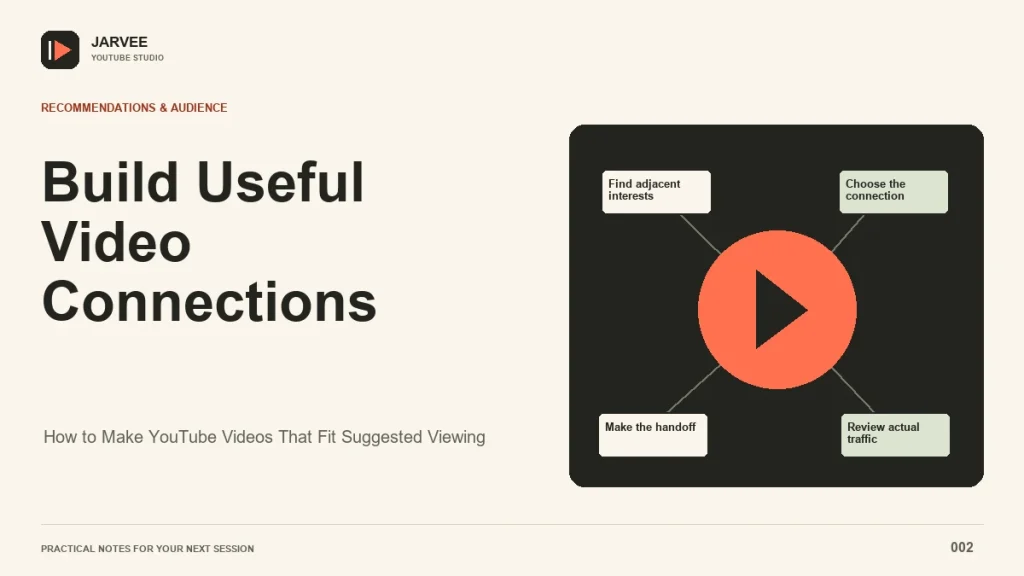
Suggested viewing starts with a simple editorial question: what would someone reasonably want to watch after this video? A repair tutorial might lead to a maintenance routine. A documentary about a vanished railway might lead to the communities that once depended on it. The connection has to make sense to a person before it can become a useful programming strategy.
No combination of tags, repeated titles, or coordinated viewing can force your upload into another video’s recommendations. You can, however, make a stronger candidate by understanding a shared audience, delivering a clear promise, and offering a valuable next step. This approach also improves your own end screens and playlists, even when Suggested traffic remains modest.
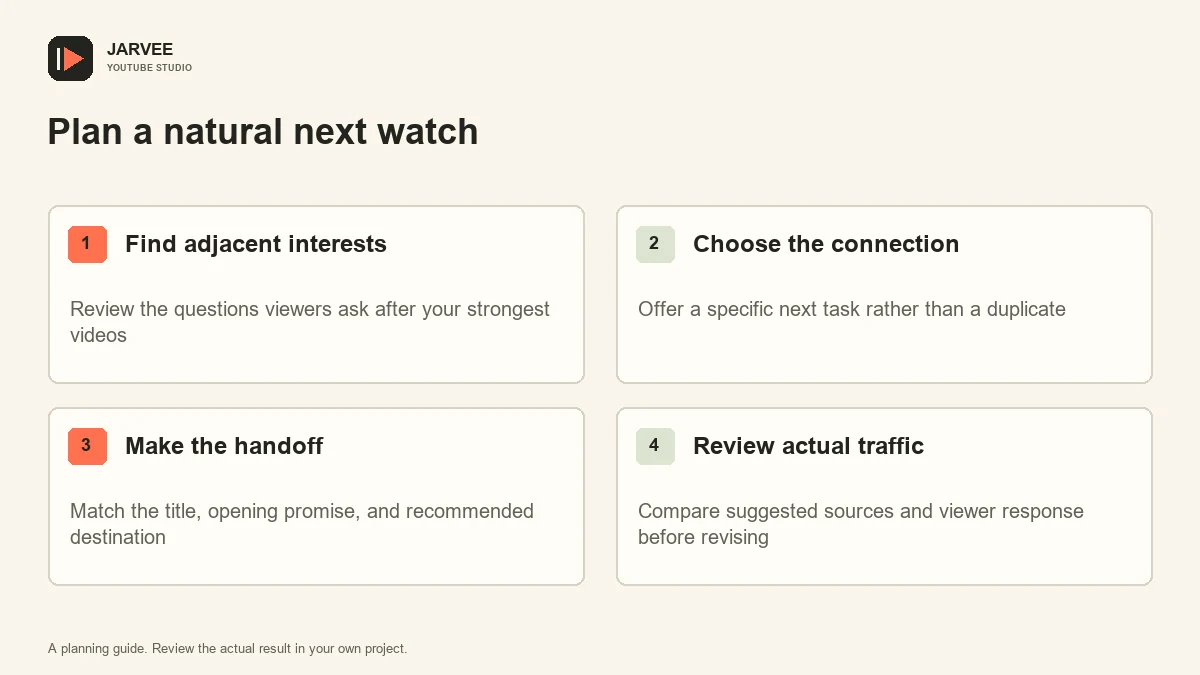
Research the audience beside your topic
Start with your existing videos that attract viewers you want to serve again. For each one, write down the problem it solves, the experience level it assumes, and the unanswered question it leaves. Avoid defining the audience only by a broad category such as technology or travel. Someone choosing a first microphone has different immediate needs from someone treating a recording room.
Review the videos and channels your audience watches when that information is available in Studio. Then inspect the Suggested traffic sources for an individual upload. These observations can reveal useful neighbors, but a source video appearing once is not proof of a stable relationship. Look for recurring topics and viewer needs across several uploads before building a whole series around them.
YouTube describes recommendations as personalized and explains that similar viewers’ interests can inform suggestions in its recommendation system guide. Treat co-viewing as context for planning, rather than a hidden switch you can activate. Our broader explanation of how YouTube recommendations work can help you keep those distinctions clear.
Create a complementary promise
A useful companion video advances the viewer’s situation. If the first upload explains how to select a bicycle size, the companion could show how to adjust saddle height after purchase. Repeating the first video’s advice under a slightly different title adds little. Jumping directly into advanced racing aerodynamics may also miss the audience’s immediate concern.
Write the companion’s promise in one sentence before filming. Include the result and any important constraint: adjusting a commuter bicycle with basic household tools is more precise than improving cycling performance. This sentence becomes a test for the outline. Every major section should help deliver the promised result or explain a necessary limitation.
Keep enough context for a newcomer. Suggested viewers may encounter the companion first and may never watch your earlier upload. A brief explanation of who the video serves prevents confusion without requiring a lengthy recap. Mention the earlier lesson only where it solves a real prerequisite, and give viewers a way to continue without leaving if they already understand it.
Package a relationship without copying
Consistent packaging can help people recognize a series, but the videos still need distinct reasons to click. Use a small shared design element, a familiar host, or a clear topic progression. Give the new thumbnail its own subject and visual outcome. Two nearly identical thumbnails can make viewers think they have already watched the second video.
Title wording should describe the actual task. Borrowing another creator’s branding or stuffing their name into your metadata does not create a meaningful relationship. It can also disappoint the very audience you hoped to reach. A comparison video can name a relevant product or method naturally when the comparison is genuinely what the viewer receives.
Read the title next to the opening minute. If the title promises a practical adjustment, show the adjustment or the problem promptly. A long channel introduction weakens the handoff from the previous video. You want the viewer to feel that the new video understands why they arrived, even if they arrived from somewhere you did not anticipate.
Build deliberate paths inside your library
Once the companion is public, connect it where the relationship is useful. A spoken recommendation near the end of the first video should explain the next benefit. A playlist can put a sequence in a sensible order. Descriptions can clarify prerequisites and alternatives. These placements serve navigation; they do not guarantee that YouTube will mirror your choices in Suggested.
For an illustrative example, imagine a small woodworking channel with a popular guide to drilling straight holes. A follow-up on choosing drill bits has broad overlap, while a follow-up on preventing tear-out solves a specific problem left by the original lesson. The creator could make both, then compare which one attracts interested viewers and useful questions. There is no need to declare either idea a winner before observing actual behavior.
Keep an inventory of these relationships. Record the starting video, destination, viewer need, and location of the recommendation. This helps you repair outdated links when an explanation changes. The site’s guide to developing YouTube content ideas offers another way to turn audience questions into connected episodes.
Review Suggested traffic with enough context
Compare uploads of a similar age and purpose. Record Suggested views, impressions where available, viewing duration, and the source videos listed in Studio. Check whether a wider audience changed the mix of incoming traffic. A falling click-through rate alongside growing reach can mean something different from falling reach and a weaker response among familiar viewers.
Read comments alongside the metrics. Questions such as “what should I do after this?” suggest a missing bridge. Comments that assume knowledge you never introduced may reveal an unclear entry point. Neither observation proves what the recommendation system thinks, but both can guide an edit or a future video more reliably than guessing about a secret ranking gate.
Teams that already use SMTasker's guide to combining separate YouTube account actions can keep supported Android activity sources, schedules, limits, and logs organized while carrying out separate device checks. Keep that operational record separate from organic audience research. Automated viewing or engagement cannot establish that a real audience wants the proposed connection.
Choose one improvement for the next pair of videos: a clearer prerequisite, a more complementary topic, or a more explicit handoff. Repeat the review across several examples. The useful outcome is a library that people can navigate and enjoy, with Suggested traffic assessed as evidence rather than promised as a reward.
Keep room for viewers to choose a different path. A beginner may want the companion lesson immediately, while an experienced viewer may prefer a deeper comparison. Clear alternatives respect those differences. They also make your programming more resilient than a sequence that assumes everyone arrived with the same knowledge and intention.
KEEP EXPLORING
Put the workflow in context.
See the five YouTube tools available in SMTasker and choose the actions that fit your account.
Explore the tools