
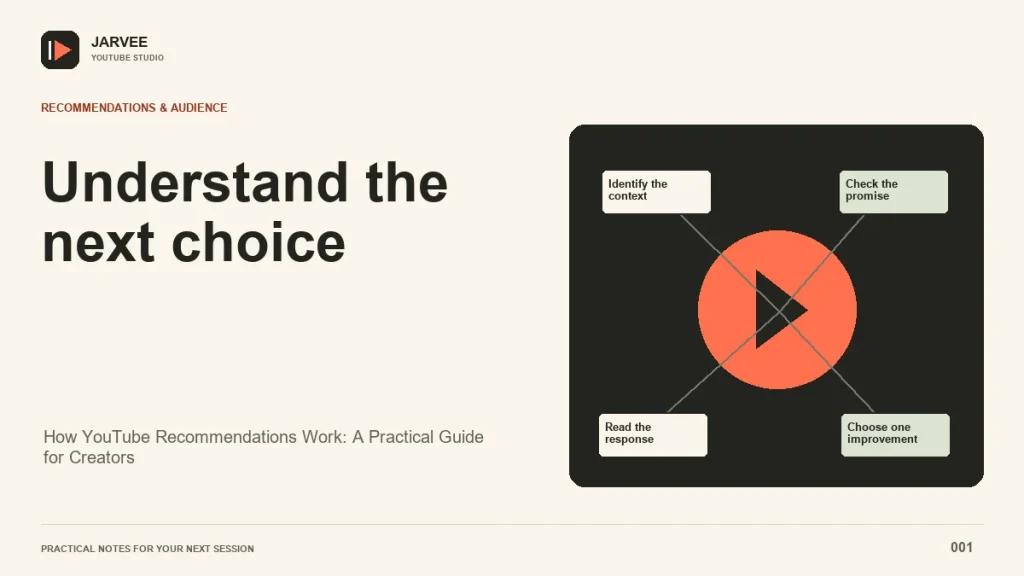
YouTube recommendations are easiest to understand when you start with the viewer’s next decision. Someone opens the homepage, finishes a tutorial, searches for a repair, or swipes through Shorts. Each situation creates a different set of choices. Your job as a creator is to make a useful video for a recognizable audience, explain its value honestly, and deliver that value after the click.
There is no public formula that converts a particular click-through rate or retention percentage into a guaranteed number of impressions. A channel can learn from its own results without inventing hidden gates. Start by separating discovery surfaces, then compare videos that address similar needs. That gives you a more useful diagnosis than treating every change in views as a verdict on the whole channel.
Understand the discovery context
On the homepage, a viewer may be choosing between several topics and creators. Your packaging has to communicate why this particular video deserves attention now. A tutorial that performs well for a narrow search can still be difficult to understand when shown without the search query that originally supplied its context.
Suggested videos appear around a current viewing session. The next video might answer a related question, continue a subject, or reflect that viewer’s interests. Make the relationship between your videos useful to a person. A follow-up should feel like a reasonable next step rather than an arbitrary attempt to keep someone on your channel.
Search starts with a more explicit request. The title, description, and actual content should address that request. A video about replacing a bicycle chain needs to show the replacement clearly. A vague opening about the history of cycling can lose the person who arrived with a specific repair to complete.
Separate appeal, engagement, and satisfaction
YouTube describes performance through appeal, engagement, and satisfaction. That distinction is useful because a click and a satisfying watch are different events. An attractive thumbnail may bring someone into a video, while the opening determines whether the video feels like the thing they expected.
Imagine two versions of a cooking tutorial. One promises a complete week of inexpensive lunches but opens with a long equipment discussion. The other shows the finished meals, states the ingredients needed, and begins the first preparation. The second version gives the viewer a clearer basis for deciding to continue. This is an editorial example, not evidence of a particular ranking lift.
Apply the same reasoning to your own work. Look for a mismatch between the promise and the delivery. If the title promises a comparison, show the alternatives and explain the criteria. If it promises a demonstration, bring the relevant object or screen into view. Fast editing cannot compensate for answering a different question.
Read metrics with their denominators
Click-through rate depends on counted impressions. It should be read with the traffic source, audience, topic, and number of impressions. A percentage from a small group of familiar viewers does not automatically predict how a broader audience will respond. Record the source and sample size before deciding whether a result deserves action.
For a simple arithmetic example, 60 clicks from 1,000 counted impressions gives a 6% click-through rate. Another video with 120 clicks from 3,000 impressions has a 4% rate but more clicks. Those figures describe two different situations. They do not establish which video satisfied viewers or which one should receive more recommendations.
Average view duration also needs context. The same number of minutes can mean something different for a short explanation and a long workshop. Compare similar formats, then inspect where viewers leave, repeat, or skip. A retention curve is a prompt for investigation. It is not a transcript of everyone’s reasons for watching.
Compare videos that solve similar problems
Choose a small group of comparable videos before looking for a pattern. A repair demonstration, an opinion essay, and a product announcement attract different expectations. Combining them into one average can hide the very distinction you need to understand.
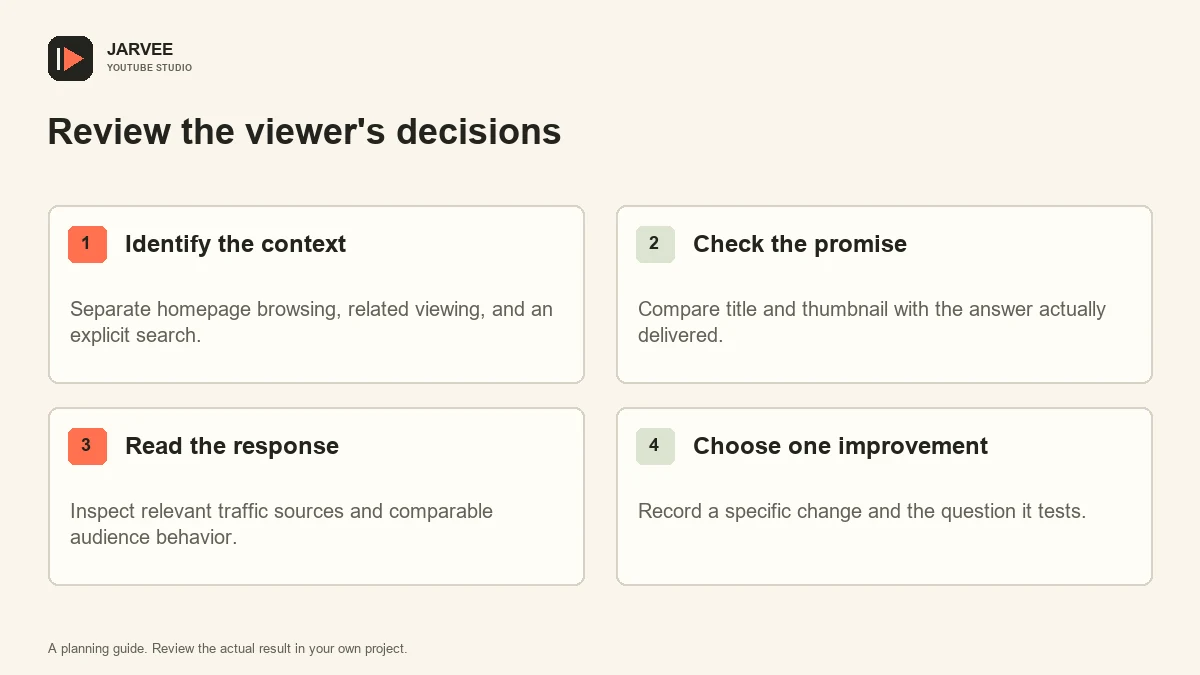
For each video, record the intended viewer, the question being answered, the principal traffic sources, and the publishing context. Add a short note about the opening. Did the video show the promised result? Did it explain who the information was for? Was the useful material delayed by a long introduction?
Then look for a repeated problem. If several videos lose viewers during an explanation of the same prerequisite, that explanation may need a clearer diagram or a shorter demonstration. If people arrive through a different query than expected, the packaging may be attracting an audience the video was not designed to help.
The studio’s guide to reviewing activity and separating it from channel outcomes uses the same distinction: execution records and audience response answer different questions. Keep them separate when you prepare a channel review.
Make the next video a useful continuation
A series should make sense in the order a viewer needs it. A beginner may first need help choosing materials, then completing a task, then correcting a common mistake. A specialist may want a comparison before a detailed implementation. Build the sequence around those needs rather than around a rigid upload quota.
At the end of a video, explain the reason to continue. A bicycle maintenance lesson might point to checking chain wear because it helps the viewer decide when another replacement is needed. The recommendation becomes useful because of the relationship between the tasks. You do not need to promise a hidden session-time bonus to justify the link.
Use a clear starting point for new viewers. A playlist can provide navigation, but its title and sequence still require editorial judgment. Remove an outdated installment from a suggested learning route when it no longer provides the correct instructions. Preserve useful historical material with the context it needs.
Keep account operations separate from ranking promises
Teams also need an understandable account workflow. Record who owns a task, which account is selected, and where activity can be reviewed. If you use SMTasker's YouTube account management workspace for connected devices for supported viewing or engagement routines, review its current tools, device requirements, sources, and logs independently of your content performance analysis.
A connected Android device or a successfully completed action does not establish that a video deserves additional reach. Do not use automated activity to manufacture audience demand. Channel planning should remain grounded in real viewers, useful content, and the platform’s rules.
When several people work on a channel, keep a brief change record. Note a title revision, thumbnail test, description correction, or change in the opening of a future video. This makes later discussion more precise. Without that record, a team can attribute a result to the wrong decision simply because several changes happened together.
Choose a test you can learn from
Finish the review with one concrete question. You might test whether a clearer title describes the video more accurately, whether an opening demonstration helps explain a difficult step, or whether a related follow-up answers a recurring audience question. Specify what you will inspect and when you will revisit the decision.
Keep the test proportionate to the evidence available. A small channel may need patience before a pattern becomes interpretable. A larger channel still needs to account for differences in topics and audiences. Avoid turning a promising observation into a universal law.
For the next production session, use a deliberate content research process to choose a real viewer problem. Write the promise, show the answer clearly, and review the response in its proper context. That is a repeatable way to improve your work without pretending to know an unpublished ranking formula.
KEEP EXPLORING
Put the workflow in context.
See the five YouTube tools available in SMTasker and choose the actions that fit your account.
Explore the tools