
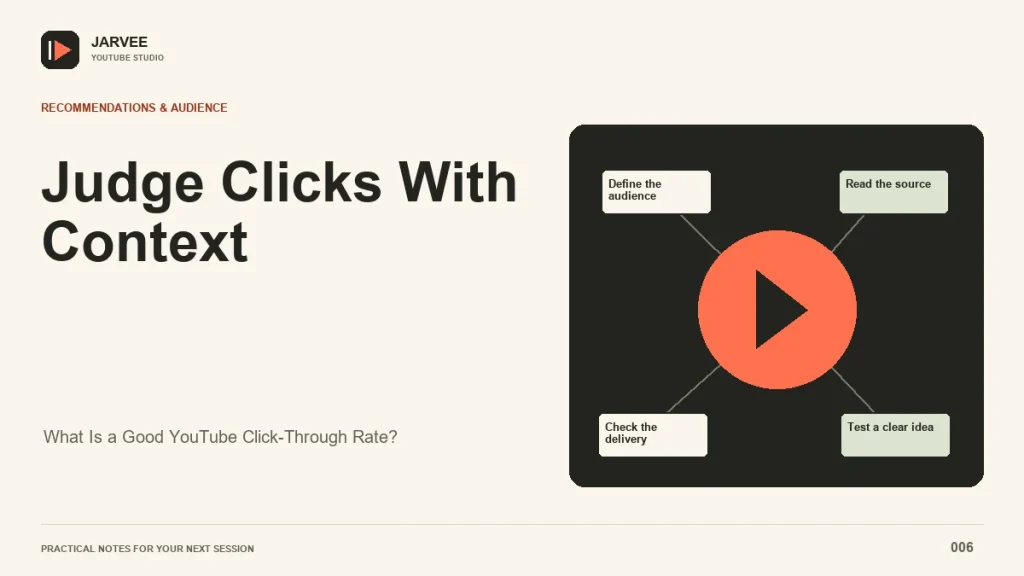
A good click-through rate is one that helps the right people choose a video they are glad they watched. That answer is less tidy than a single percentage, but it leads to better decisions. CTR changes with the audience, the placement, the topic, and the number of people who already recognize your channel.
Before replacing a thumbnail because a number fell, inspect what changed around it. A video reaching unfamiliar viewers can behave differently from one seen mostly by regular followers. The useful review pairs impressions and clicks with the promise you made and the experience the video delivers after someone chooses it.
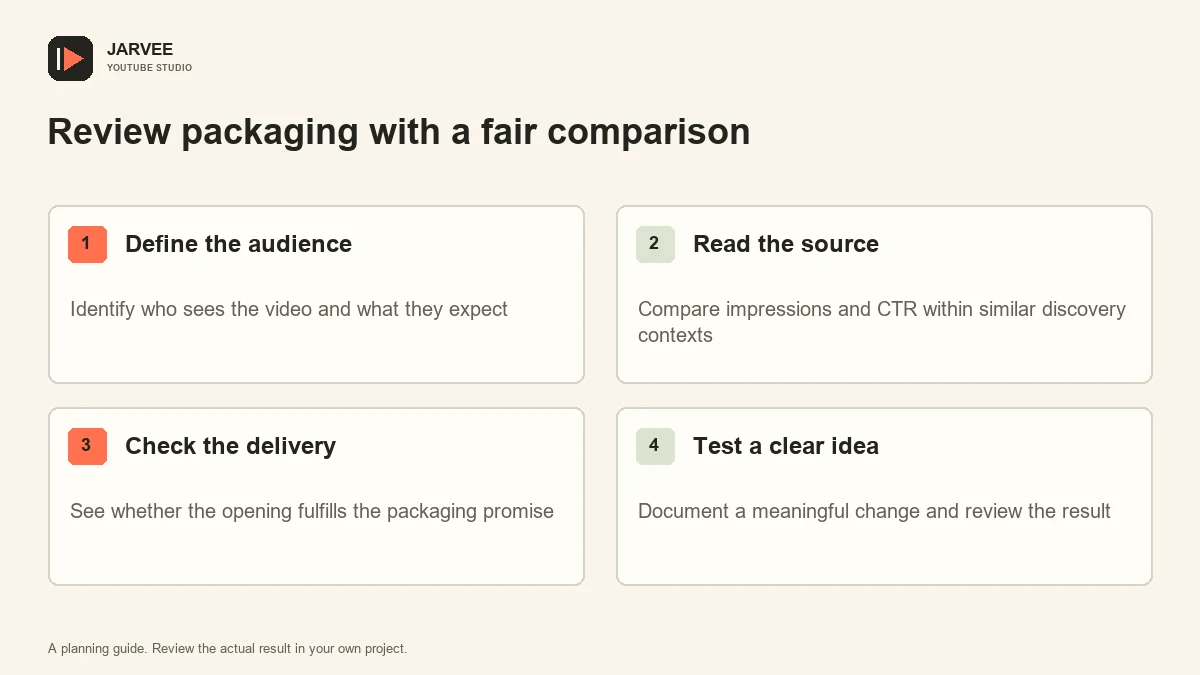
Start with the right denominator
Impressions CTR concerns viewing that follows registered thumbnail impressions. It does not turn every view from every source into a click on a counted thumbnail. A link in an email and a thumbnail shown on a YouTube surface have different measurement contexts. Dividing total views by total impressions can therefore produce a figure that does not match Studio’s CTR.
YouTube’s CTR frequently asked questions explain these measurement limits and advise against drawing conclusions immediately after upload. Use the metric shown in the relevant report, with its own selected dates and filters. Record the impressions alongside the percentage so a tiny sample does not look as persuasive as a substantial one.
An illustrative comparison shows why scale matters. Five clicks from fifty counted impressions represent ten percent. Fifty clicks from one thousand counted impressions represent five percent. The second percentage is lower, yet it represents more choices. Those examples do not establish quality or a target; they show why a percentage without volume cannot tell the whole story.
Make the comparison narrower
Compare videos that ask similar things of similar viewers. A specialist repair guide, a personal update, and a broad entertainment experiment have different potential audiences. Search visitors may recognize an exact problem in the title. Home viewers may need a compelling visual explanation of why the subject matters now. The overall channel average blends those differences.
Within a video, inspect traffic sources where the data allows. Note whether the mix changed over time. A high initial CTR from channel visitors may soften as more unfamiliar people encounter the upload. That movement can coexist with healthy growth. It can also coexist with weak creative, so continue into the viewing evidence instead of choosing the interpretation you prefer.
Use a consistent reporting window. Compare the first several days of one upload with a similar period for another, or compare a group over the same calendar dates for a specific question. Keep unusual events in the notes: a newsletter mention, a holiday, or a sudden topical surge can alter the audience. Our explanation of YouTube analytics terminology can help a team keep those comparisons readable.
Diagnose the invitation before decorating it
A thumbnail needs to communicate the subject quickly at a small size. A title needs to add a useful promise, constraint, or question. They do not need to repeat the same words. If both say only “camera test,” the viewer still has to guess which camera, what test, and why the result matters.
Draft several different concepts rather than changing the color of the same weak idea. One concept might show a meaningful before-and-after result. Another might isolate the object responsible for a problem. A third might show the unexpected outcome of a comparison. Choose the one your video can actually support, then simplify it until the main idea remains clear on a phone.
Check the title for ambiguity. “This changed everything” may mean something to a regular follower but give a newcomer no useful information. An exact subject with a credible outcome can be more inviting. Equally, a title stuffed with every possible keyword can obscure the main point. Clarity is a creative advantage, not a requirement to make every title sound identical.
Check what the click receives
Watch the beginning while keeping the title visible in your notes. Does the video confirm the advertised result? Does it establish any necessary limitation before viewers misunderstand it? A package that attracts the wrong audience can increase clicks while making the experience less useful. The remedy may be an honest title revision rather than a more dramatic image.
Consider an illustrative channel comparing two hand tools. The thumbnail implies a winner for every job, but the video concludes that each tool fits a different task. A stronger package can foreground the choice: which one belongs in a small home toolkit? That promise matches the evidence and helps the intended audience recognize why they should watch.
Our guide to developing audience-centered video ideas is helpful when the packaging review exposes a vague premise. Sometimes the problem begins before the thumbnail: the video itself has no clear reason to exist. Refining the idea is more useful than repeatedly redesigning its cover.
Keep tests interpretable
If you use a testing feature available in Studio, read its current instructions and evaluate the outcome it actually reports. If you make a manual change, record the date, hypothesis, and other relevant activity. Sequential title or thumbnail swaps do not hold the audience constant, so treat the result as suggestive rather than a controlled experiment.
Leave enough time for a meaningful observation without inventing a mandatory waiting period. Avoid reacting to every fluctuation. A purposeful change should answer a question such as whether a visible outcome makes the premise clearer. “Try something louder” offers little learning when the next graph moves.
Teams already using the YouTube Video Viewer workflow available in SMTasker can document sources and activity logs alongside their packaging checks. Device viewing is not a representative CTR experiment, and the product does not supply YouTube thumbnail testing. Use real audience reports to judge whether the invitation attracts interested viewers.
Keep the best lesson from each review in a short creative brief. Over several uploads, you may learn which outcomes need a picture, which titles require a model name, and where unfamiliar viewers need more context. That knowledge is more durable than chasing a supposed universal good CTR.
Include an accessibility check in the creative review. Small lettering, low contrast, and a composition that depends entirely on a subtle facial expression can make the premise difficult to recognize. Ask someone unfamiliar with the project to describe the image at a reduced size. If their description misses the subject, simplify the visual hierarchy before debating decorative details.
Preserve the original packaging in your records when you change it. A future editor can learn from the comparison only if the old concept, the revised concept, and the reason for the change remain available together.
KEEP EXPLORING
Put the workflow in context.
See the five YouTube tools available in SMTasker and choose the actions that fit your account.
Explore the tools